Intulse Logo

How to Prepare for your Busy Season


Whether you're a Medicare agent gearing up for Open Enrollment, a sales team preparing for the holiday rush, an accountant getting ready for tax season, or a church planning for Vacation Bible School, every organization has its busiest time of year. By following the steps in this article, you can ensure your phone system is ready to handle the increased call volume and keep your team connected when it matters most.
Mobile App
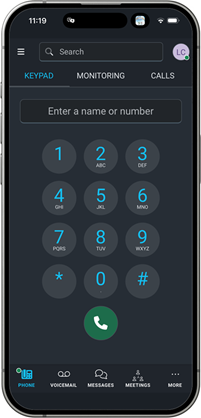
  1. If you use the Intulse Mobile App, make sure you are running the most recent version. Visit the app store connected to your account and search for Intulse. If the button says Update, click it for the most recent updates. If it says Open, then you're running the most recent version of the app.

  2. If you haven't logged into the app recently, take some time to log in and practice making a few calls. We are always looking for ways to improve the functionality of our app so things may look different from the last time you used it.
Phone Settings
  1. Make sure your main greeting and any department greetings are updated with correct seasonal hours. Instructions on how to update your system recordings can be found here.
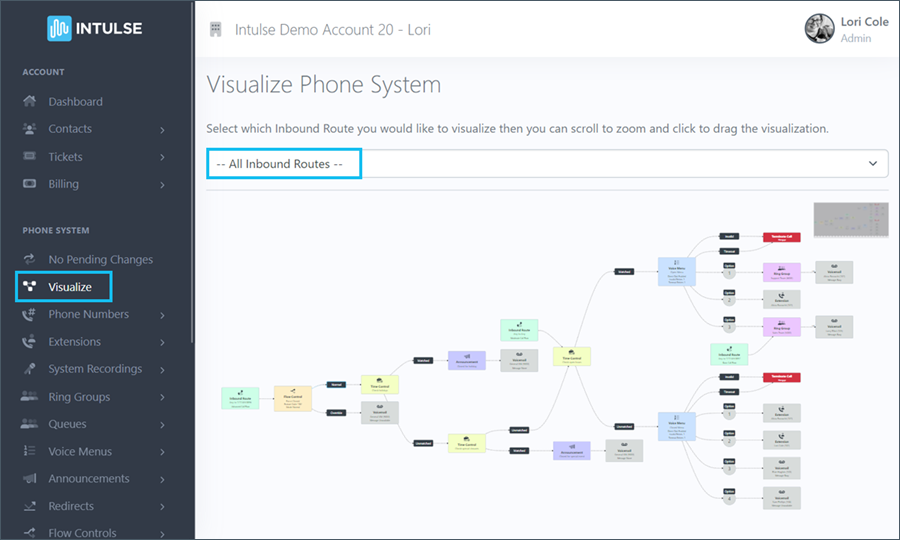
  2. Take a look at the Visualize screen in the Account Center and make sure your Voice Menu options are directed to the correct destinations. Listen to your Voice Menu recordings and make sure they reference the correct hours and destinations. Visit our Account Center Walkthrough for instructions on updating any of your Voice Menu settings.
  3. Double check your Virtual Phone settings and make sure those settings are correct, especially related to call recordings and Follow Me settings.

Seasonal Settings
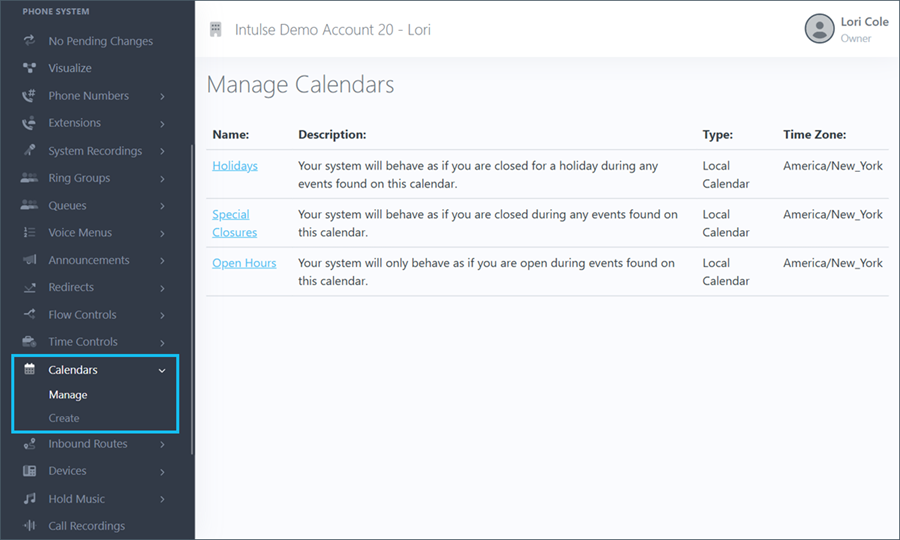
  1. If your hours change during this time, be sure to update them on your calendar so any time controls continue to work as expected. Click here for instructions on how to update your calendar.
  2. If you employ seasonal staff, make sure they have been added in the Account Center as both an extension and a user.
  3. Adjust any Queue or Ring Group settings to ensure seasonal staff are added and can handle your increased call volume.

Integrations
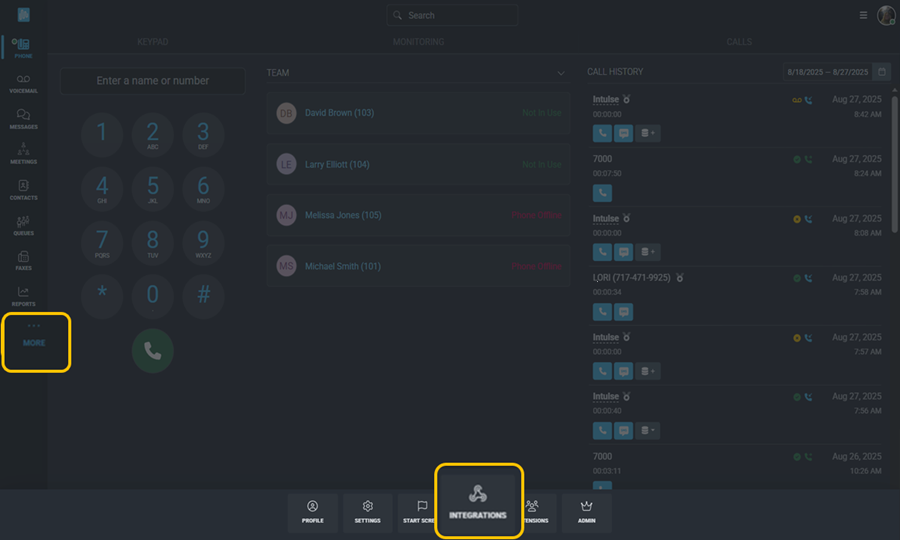
  1. If you use an integration, check the settings to make sure calls and/or text messges are being recorded and logged correctly. Some settings may have changed, or new features may have been added.
  2. Remember, our Support Team is always standing by to assist you with any needs.

As always, we here at Intulse are so grateful for the opportunity to partner with your organization. We want your phone system to run smoothly and are always happy to assist you any way we can!